

How does a Kitchen Display System work?
-
Customer places an order – Through a waiter, POS billing system, website, or food delivery app.
-
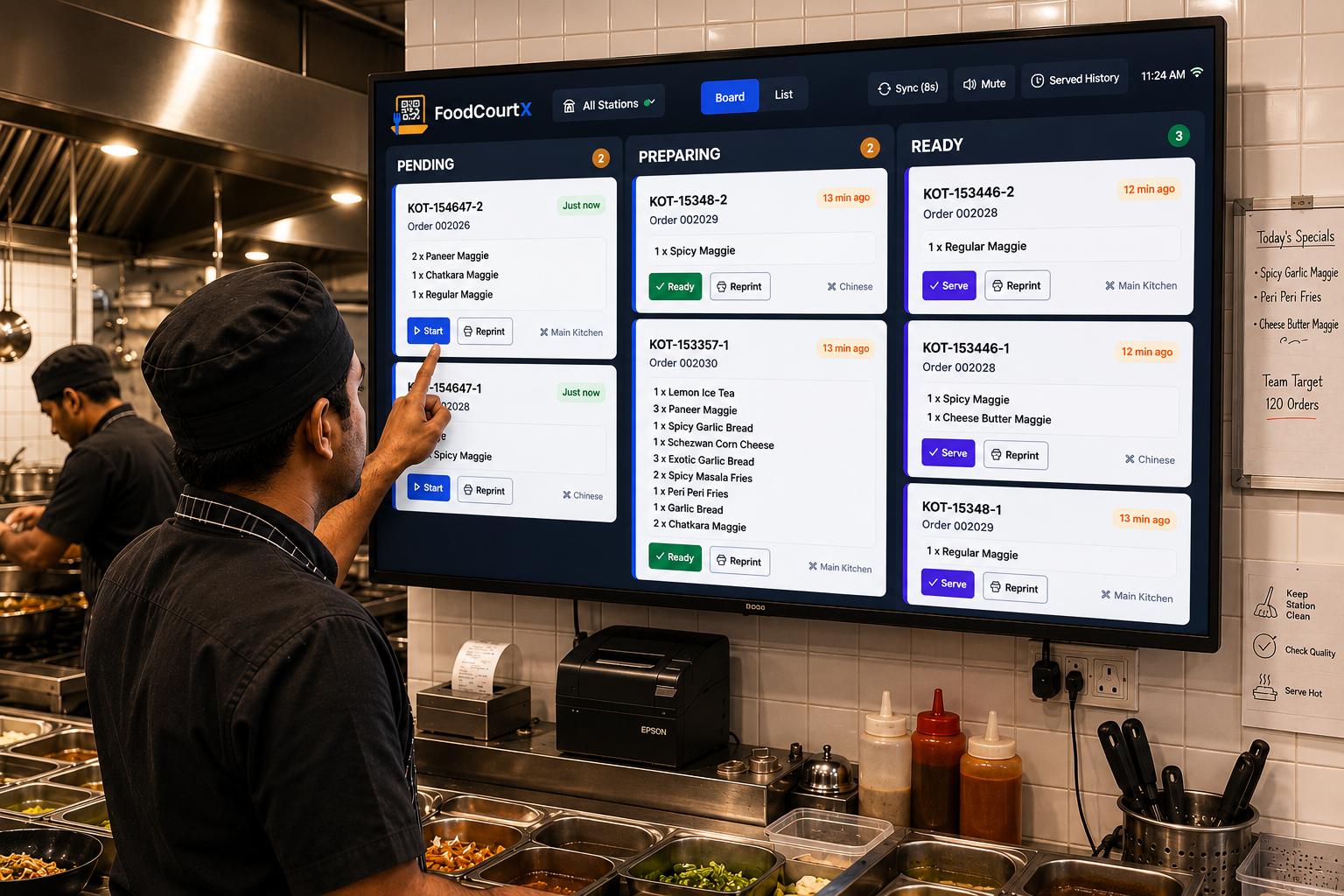
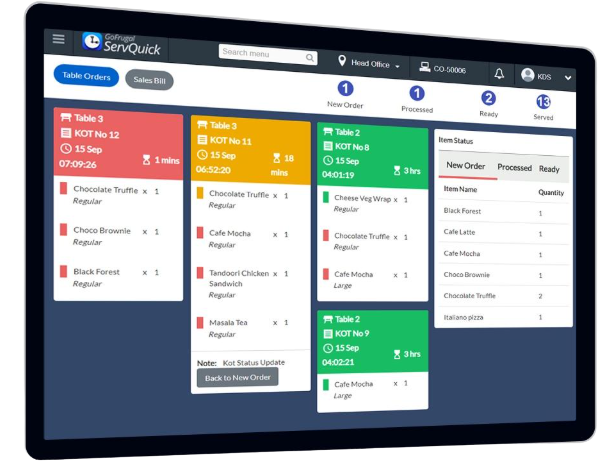
Order reaches the kitchen – The KDS screen automatically displays the order.
-
Chef prepares food – Kitchen staff can see items, quantities, special instructions, and order timing.
-
Order status updates – Staff mark orders as In Progress or Ready.
-
Order is served – The waiter or delivery team receives a notification that the order is ready.
Main features of a KDS
-
Order management: Displays all incoming orders.
-
Order tracking: Shows Pending, Preparing, and Ready orders.
-
Preparation timer: Tracks how long each order takes.
-
Order prioritization: Helps staff prepare urgent orders first.
-
Special instructions: Displays notes such as no onion, extra cheese, etc.
-
Kitchen management: Can separate orders by cooking station.
-
POS integration: Connects with restaurant billing software.
Benefits of KDS
-
Reduces paper usage.
-
Reduces order mistakes.
-
Improves kitchen speed.
-
Helps manage busy hours.
-
Improves communication between waiters and chefs.
-
Makes restaurant operations more efficient.
KDS vs Traditional Kitchen Order System
- Traditional System
- Paper order tickets
- Manual order handling
- Difficult to track timing
- Paper can get lost
- Manual status updates
- Kitchen Display System
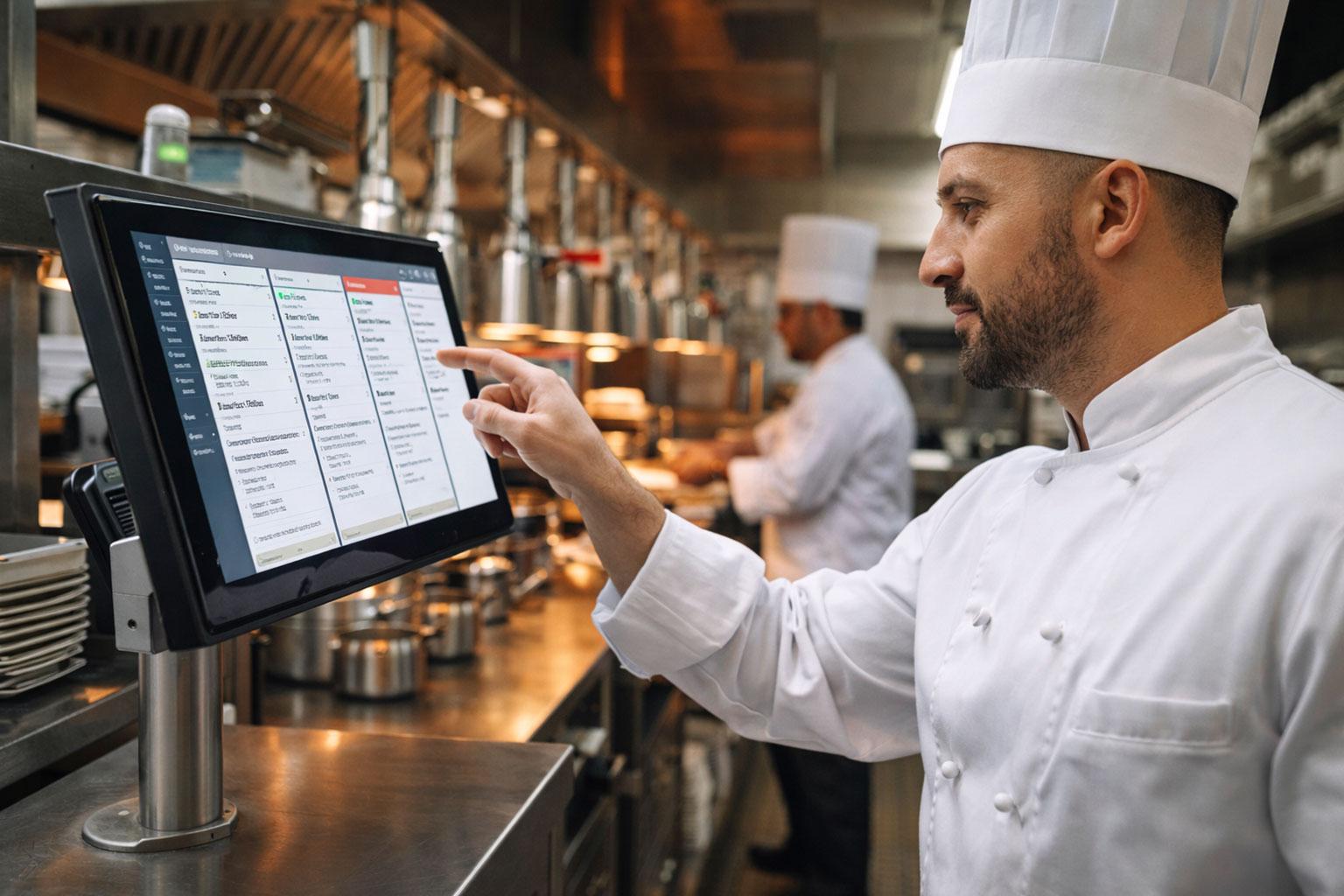
- Digital screen
- Automatic order transfer
- Real-time timers
- Digital order records
- Digital status updates
Kitchen Display Systems (KDS) are Available in

In simple words: A Kitchen Display System is like a digital control panel for restaurant kitchens. It tells chefs what to cook, how much to cook, and which orders need to be completed first.
Talk to one of our experts for a free consultation on choosing the right Kitchen Display System device for your business.
Hurry up! Contact us today and get
FREE FIRST CONSULTATION