

Key Features of a Self-Ordering Kiosk
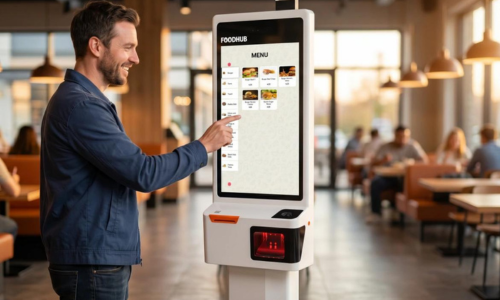
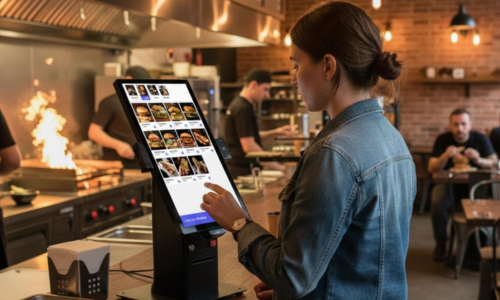
- Digital Menu Display – Show food items, images, prices, and descriptions.
- Easy Order Placement – Customers select products and add them to their cart.
- Food Customization – Choose toppings, sizes, ingredients, and add-ons.
- Online & Digital Payments – Support available payment methods.
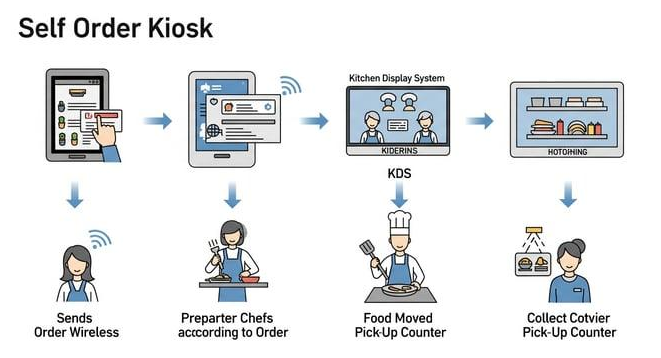
- Order Management – Send orders directly to the POS or Kitchen Display System (KDS).
- Order Tracking – Display order status and pickup information.
- Multiple Languages – Offer a convenient ordering experience to different customers.
Benefits for Restaurants
- Faster Ordering
Reduce queues and waiting times. - Fewer Errors
Orders go directly into the system. - Better Experience
Customers order at their own pace. - Improved Efficiency
Connect ordering with kitchen operations.
How Does a Self-Ordering Kiosk Work?
-
Customer approaches the kiosk.
-
Selects food and beverages.
-
Customizes the order.
-
Reviews the cart and confirms the order.
-
Makes payment.
-
Order is automatically sent to the POS/KDS.
-
Kitchen prepares the food and customer collects it.
Where Are Self-Ordering Kiosks Used?
-
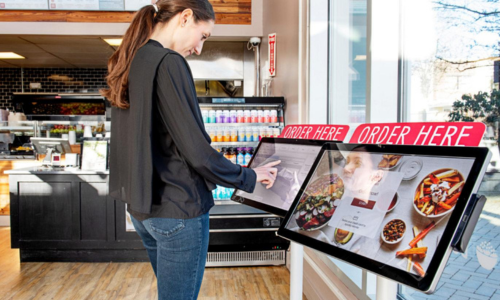
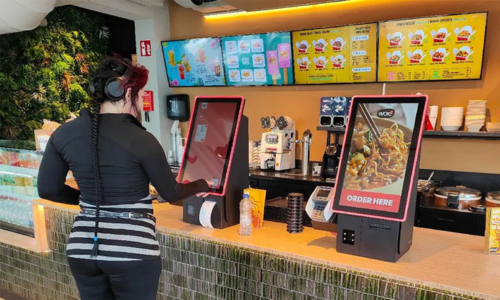
Restaurants and fast-food outlets
-
Cafes and coffee shops
-
Food courts and shopping malls
-
Hotels and resorts
-
Cinema food counters
-
Quick-service restaurants (QSR)
A Self-Ordering Kiosk is a smart solution for modern restaurants looking to automate ordering, improve operational efficiency, reduce queues, and deliver a better customer experience.
Self-Ordering Kiosk + POS + KDS Integration
Integrating a self-ordering kiosk with a POS and Kitchen Display System creates a smooth restaurant workflow:
-
Self-Ordering Kiosk: Customers place orders.
-
POS Software: Processes orders and payments.
-
Kitchen Display System: Displays orders for kitchen staff.
-
Order Management: Tracks preparation and order completion.
Self Ordering Displays are Available in
Hurry up! Contact us today and get
FREE FIRST CONSULTATION